Spectacle Lens Ordering | Installing A Tracer Driver
Note: This feature is available based on the Job Type and supplier.
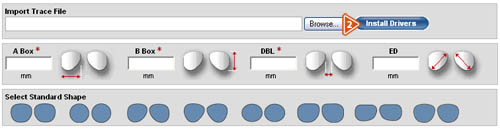
- The tracer driver must be installed prior to attaching a trace file to a VisionWeb job.
- To do this, click the “Install Drivers” button in the Import Tracer File section.
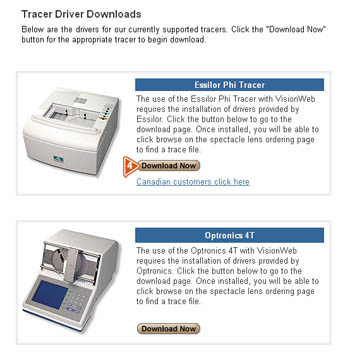
- Scroll through the list of compatible tracers, and select the tracer that you wish to use.
- Click the “Download Now” button, and follow the instructions for the applicable tracer. In order to import a trace file, you must be connected to a compatible tracer.